
Check your website for SSL certificate problems, HTTPS errors, mixed content issues and browser trust warnings in seconds.

Visitors may leave if your website shows browser warnings, broken padlocks or insecure content.
An expired certificate can trigger browser warnings and make your website look unsafe.
Your site may use HTTPS but still load insecure resources that damage trust.
Missing or incorrect security settings can reduce browser and visitor confidence.
Check the signals that affect whether visitors and browsers trust your website.
Start with a fast SSL and HTTPS trust check.
Check certificate, HTTPS and related trust issues in one place.
Use the results to understand what needs attention next.
Cyboruz helps you check SSL, HTTPS, headers and reputation signals from one simple dashboard.
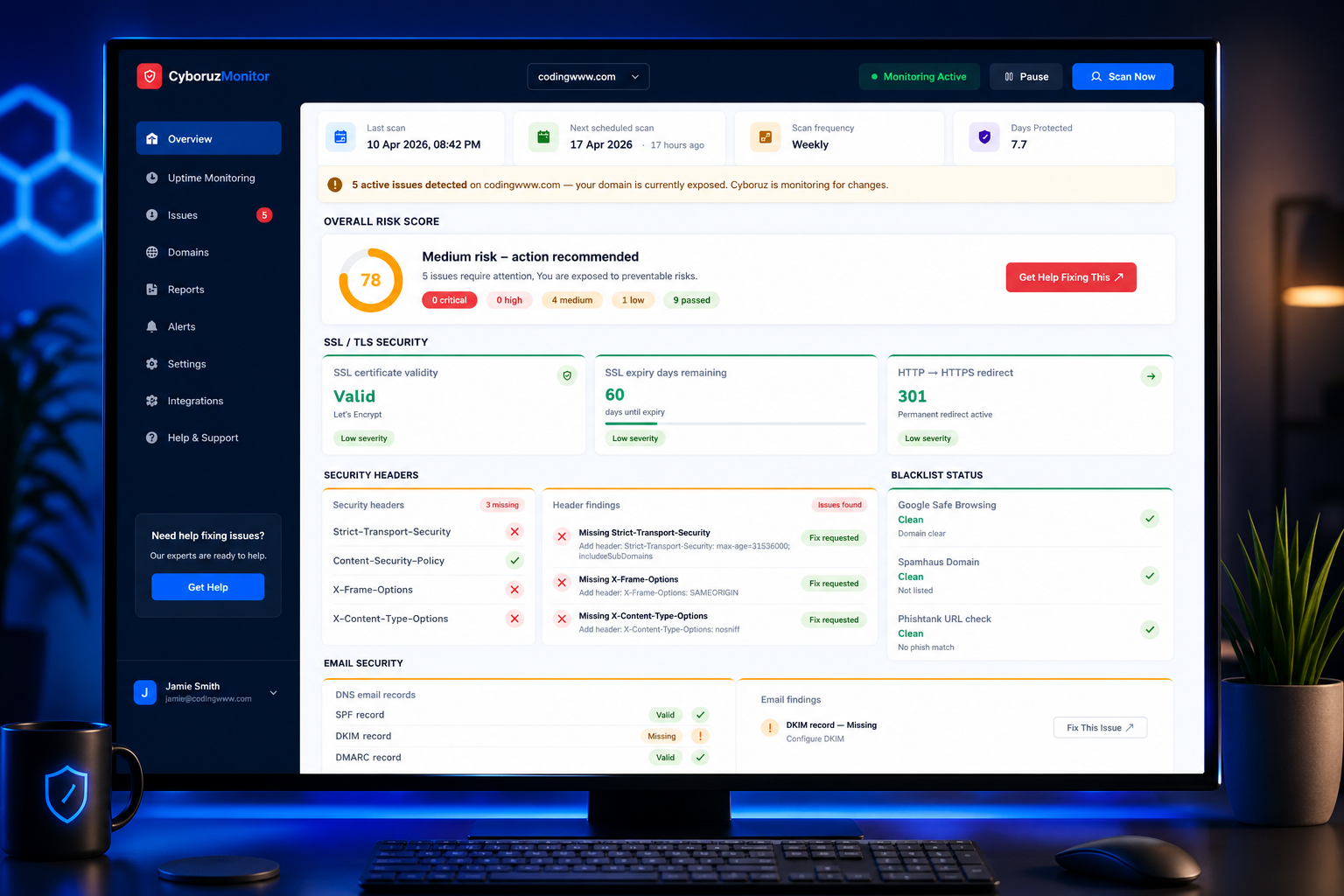
SSL is only one part of website trust. Cyboruz helps you see the wider picture.
Check whether your SSL and HTTPS setup may be affecting trust.
Review other trust signals such as security headers and blacklist status.
Keep track of changes so SSL and trust problems are spotted earlier.
Run a free Cyboruz SSL check and see whether your website has HTTPS, certificate or browser trust issues.
No technical knowledge required. Takes seconds to start.